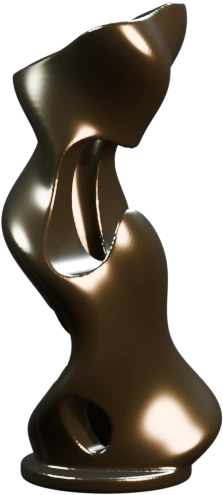
Drag to rotate · scroll or pinch to zoom
DEMO MODEL
Make it your own.
Rotate it here, then download the GLB to explore and sculpt in OctoSculpt.
Download demo model OctoSculpt
SCAN. SCULPT. REPRODUCE.
Capture on iPhone. Shape on Mac or Meta Quest. Make something you can hold.
Local-first. Your models stay yours.
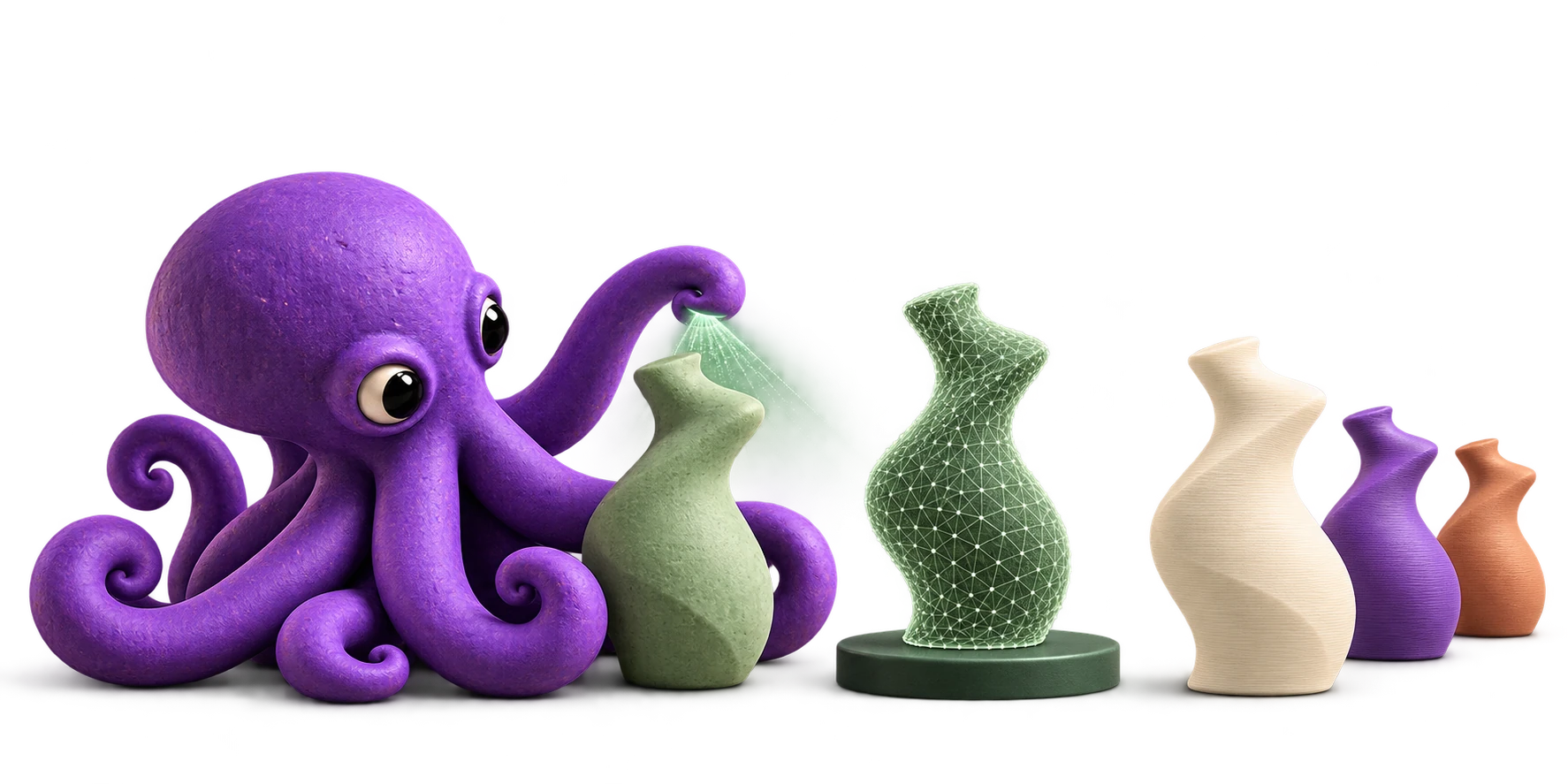
Photograph your sculpture from every angle with OctoSculpt Capture on iPhone.
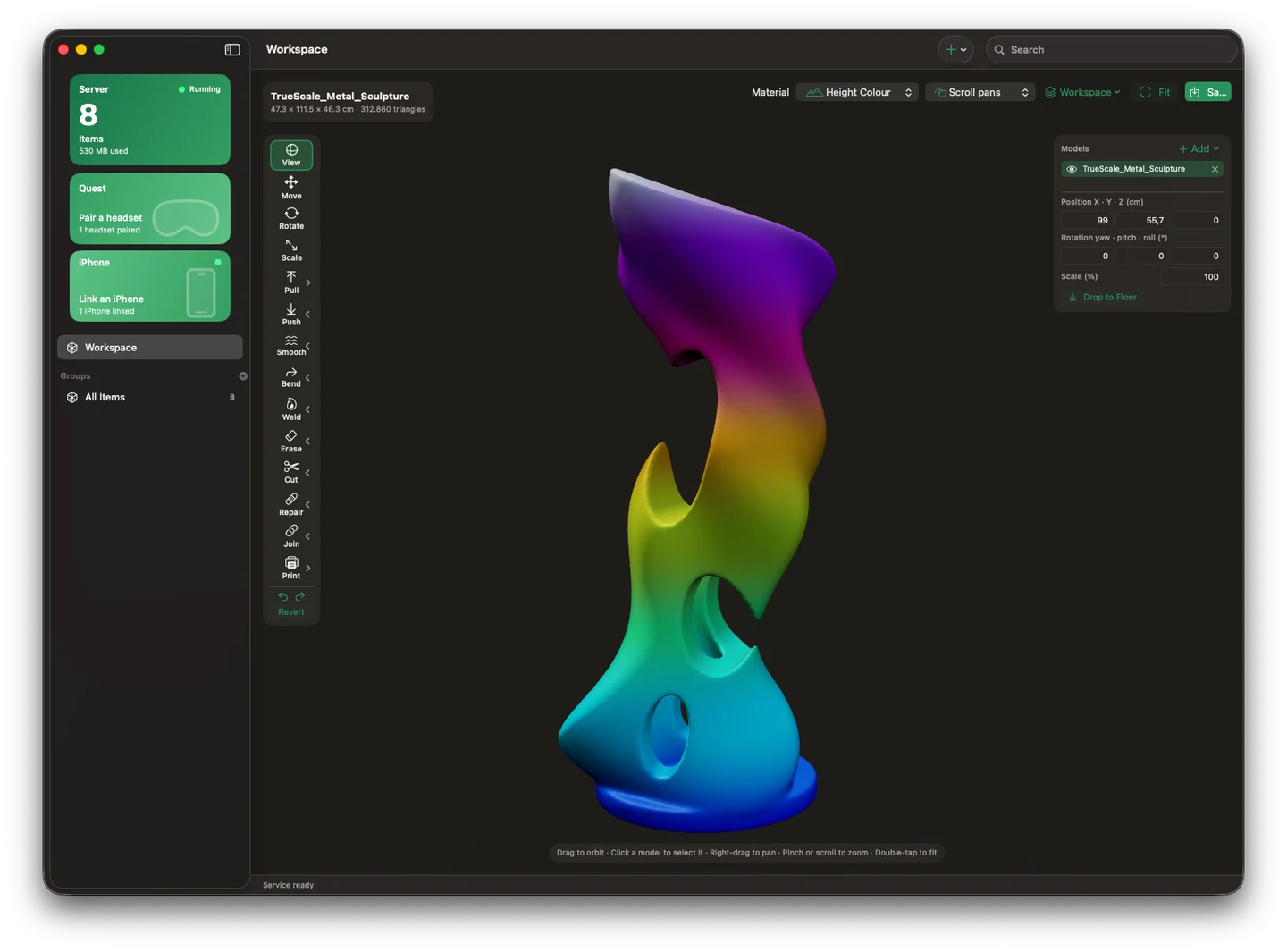 Mac
Turn your captures into a 3D mesh and organize your models on Mac.
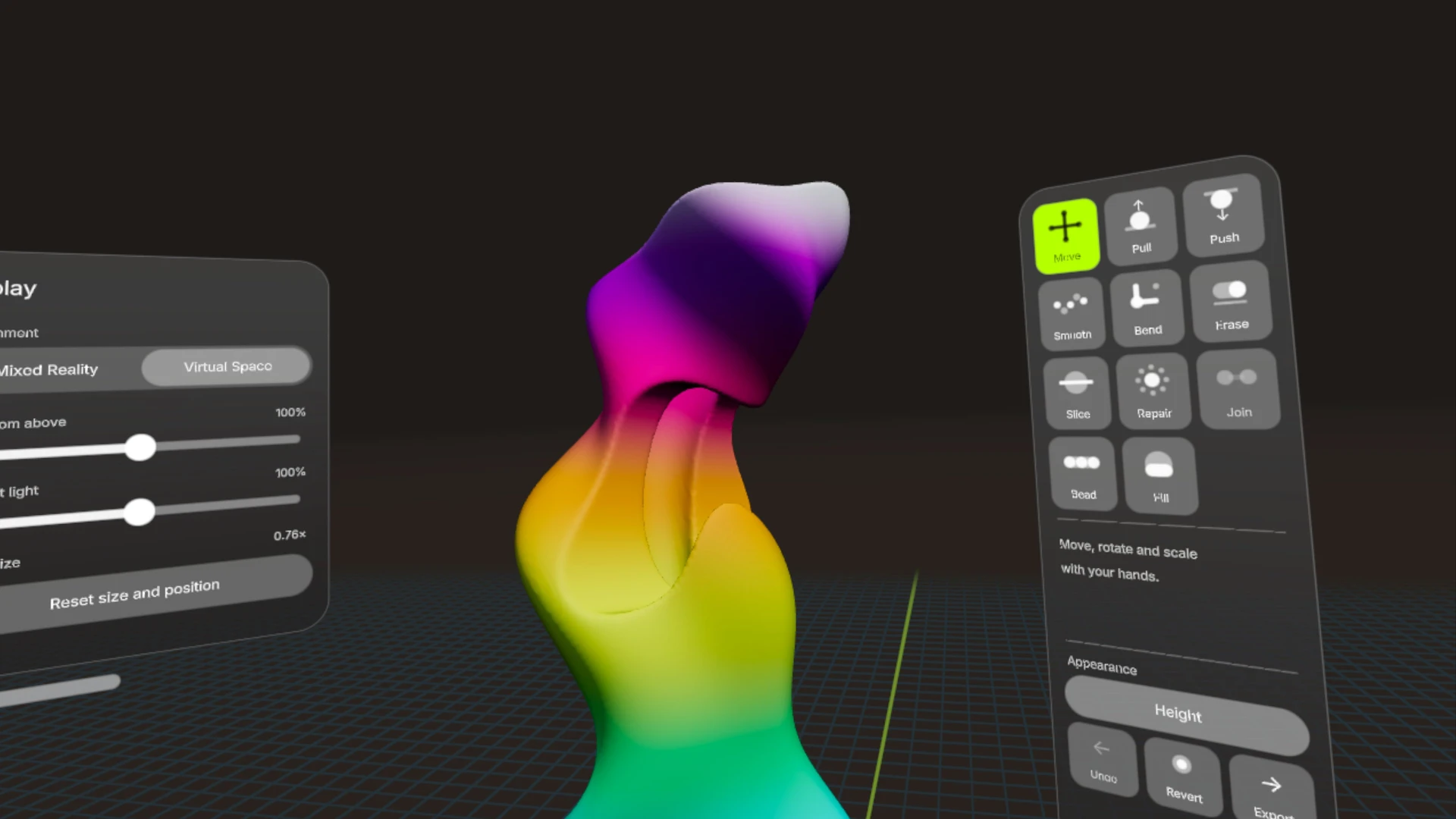 Meta Quest
Edit on Mac or shape at real scale in Quest with natural hand gestures.
Check and repair your mesh, then export an STL to your preferred slicer.
TRY A LITTLE CURIOSITY
A sculpture to explore. A workflow to discover.
Drag to rotate · scroll or pinch to zoom
DEMO MODEL
Rotate it here, then download the GLB to explore and sculpt in OctoSculpt.
Download demo model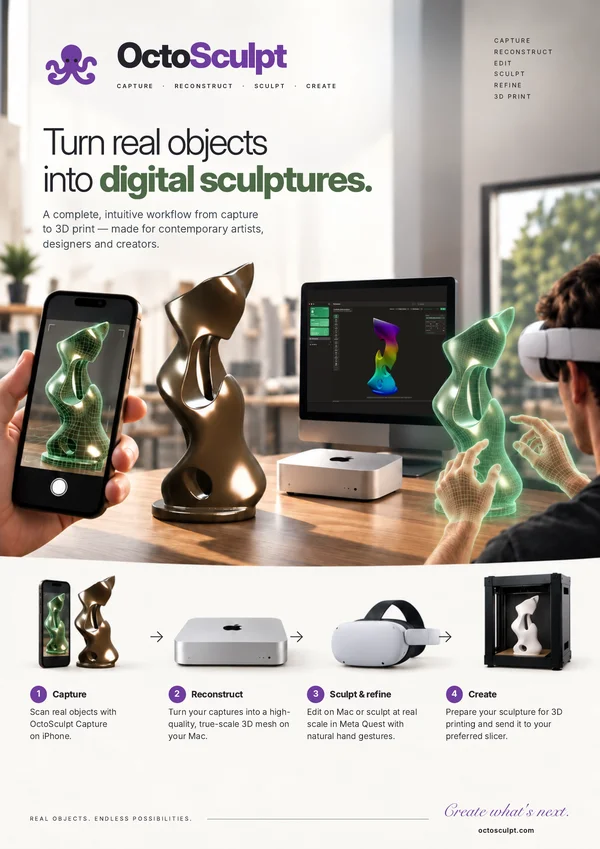 VIEW DATASHEET
THE DATASHEET
A one-page guide to capture, sculpting and 3D printing. Save it or share it.
Download the datasheetIN DEVELOPMENT
Interested in early access? We’d love to hear from you.